HEAD TO HEAD
Omnisend vs Mailchimp: store-first flows or a generalist mailer
 vs

Omnisend is built around the storefront: cart recovery, browse abandonment and post-purchase flows ship ready to switch on, with email and SMS in one place. Mailchimp is a generalist that also does ecommerce, but you assemble those flows yourself. For a store that wants revenue automations working on day one, Omnisend fits; for a mixed operation that values the broad ecosystem, Mailchimp holds up.
Our pick for most readersOmnisend
The default for a store: cart, browse and post-purchase flows work out of the box, email and SMS live together, and the templates assume you sell products. Less suited to a plain content newsletter.
Free plan, paid from $16/mo · Free up to 250 contacts, 500 emails/moTry OmnisendPick it ifMailchimp
The generalist everything integrates with, fine for a store but not built around one. You assemble the ecommerce flows Omnisend ships ready-made, in exchange for a broader ecosystem and familiar reporting.
Free plan, paid from $13/mo · Free up to 250 contacts, 500 emails/moVisit MailchimpStore-first flows against a general toolkit
| At a glance | Omnisend | Mailchimp |
|---|---|---|
| Positioning | Store-first email and SMS: cart, browse and post-purchase flows priced by billable contacts. | The incumbent everyone integrates with, priced by contacts with sending multiples per plan. |
| Billing unit | per contact | per contact |
| Free plan | Free up to 250 contacts, 500 emails/mo | Free up to 250 contacts, 500 emails/mo |
| Plans | Standard: $81/mo at 5,000 contacts Pro: $90/mo at 5,000 contacts | Essentials: $75/mo at 5,000 contacts Standard: $100/mo at 5,000 contacts Premium: see pricing |
| Entry price | free plan, paid from $16/mo | free plan, paid from $13/mo |
| Billing notes | Monthly billing only, priced by billable contacts; Standard includes 12x the contacts in monthly emails, Pro is unlimited under fair use. | Monthly billing only; sending allowances are 10x, 12x or 15x the contact tier depending on plan, and overages are charged. There is no 1,000-contact tier: between 501 and 1,500 contacts you pay the 1,500 tier. |
Amounts come from each provider's official pricing page and can change: the official Omnisend pricing page · the official Mailchimp pricing page.
Omnisend assumes you sell products. Its pre-built flows (abandoned cart, browse abandonment, order and shipping confirmations, post-purchase and winback) map to store events without you designing them from scratch, and SMS sits in the same automations as email. Mailchimp connects to the major store platforms and can build the same journeys, but they are your job to assemble on a general canvas. Both bill by contacts, and Mailchimp meters sends as a multiple of contacts per plan, so a busy store list can climb tiers. Omnisend bills by billable contacts with sending room suited to flow-heavy sending. Model your store's real send pattern in the cost calculator.
The flows that make a store money
The revenue in ecommerce email sits in a handful of automations, and Omnisend ships them as templates tied to store data: recover a cart, follow up a first order, ask for a review, win back a lapsed buyer. See cart and post-purchase email for how these stack up. In Mailchimp the same flows exist but you wire the triggers and conditions on a general-purpose builder, which is more flexible and more work. If your team has time to build and tune, Mailchimp bends further; if you want proven store flows live this week, Omnisend's head start is the whole argument.
SMS, integrations and the rest of the stack
Omnisend treats SMS as a first-class channel inside the same flows, so a cart sequence can text and email from one automation, which matters if SMS is part of your plan. Mailchimp's strength is the wider ecosystem: it is the default connector for form tools, analytics and many apps beyond commerce, and its reporting is familiar to most teams. If your business is only a store, Omnisend's focus is an asset; if it spans a store plus content, events or other channels, Mailchimp's breadth may serve the whole picture better. Weigh how much of your operation is actually the storefront.
Who should pick which
- Store that wants revenue flows working now: Omnisend, with cart and post-purchase automations ready to switch on.
- Email and SMS in one automation: Omnisend, which unifies the channels.
- Mixed operation beyond the storefront: Mailchimp, for the broader ecosystem and connectors.
- Comparing on cost: watch Mailchimp's send multiples for a flow-heavy list and check both in the calculator.
The same newsletter and the same welcome sequence
| The same brief | Omnisend | Mailchimp |
|---|---|---|
| What the bill follows | contacts stored | contacts stored |
| Cheapest plan that covers the brief | Standard at 5,000 contacts $81/mo | Essentials at 5,000 contacts $75/mo |
| Monthly sends included | 60,000 emails | 50,000 emails |
| Headroom after the brief | 37,750 sends left | 27,750 sends left |
The brief, identical on every comparison here: a list of 5,000 contacts, one newsletter to everyone each week (21,650 sends a month) and the same three email welcome sequence for 200 new subscribers (600 sends), so 22,250 sends in all. Prices and allowances are read from each provider's published ladder. Where an allowance is not published we say so rather than estimate it.
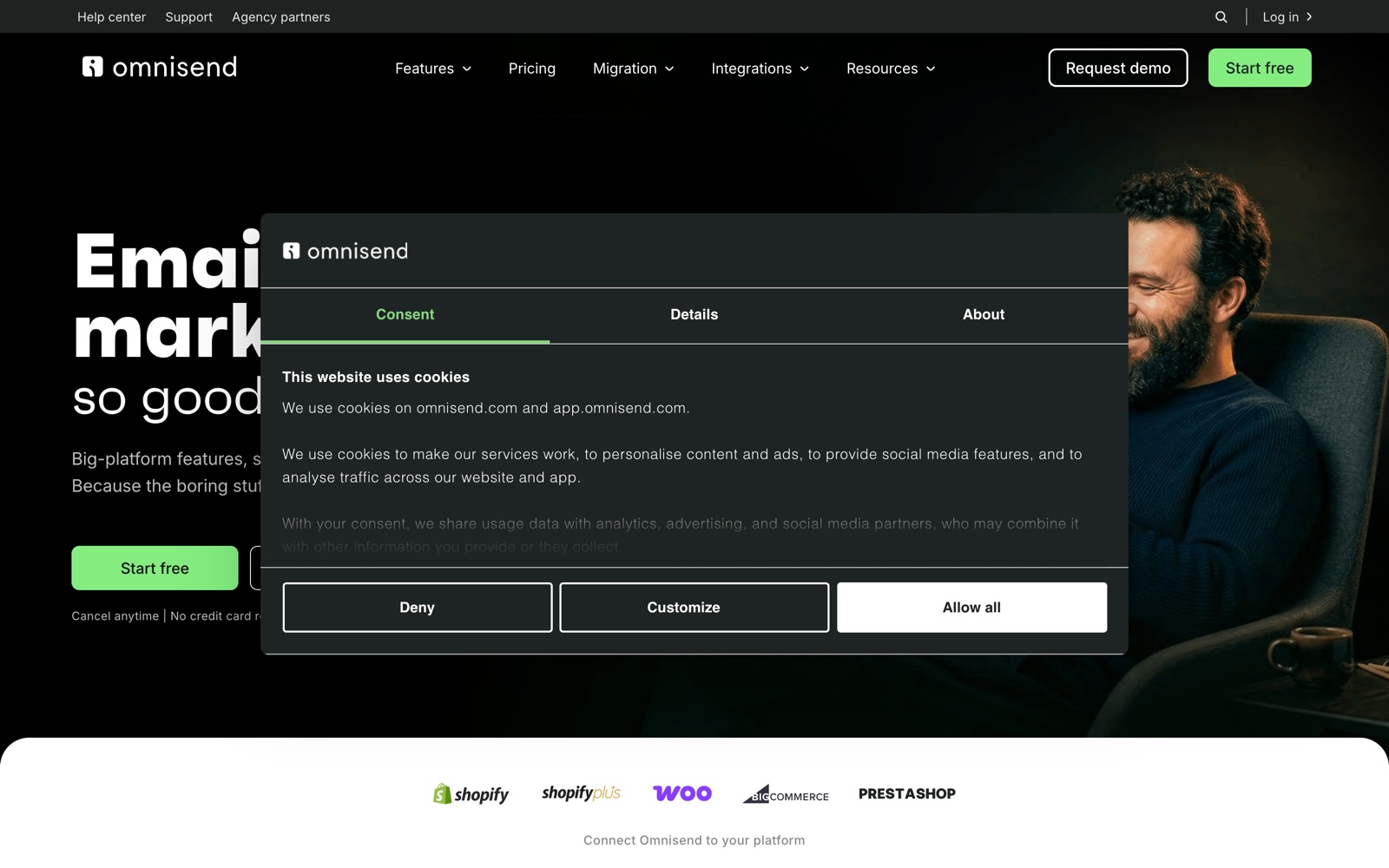
What the two products actually look like
What we checked, and where it comes from
Omnisend
- The free plan keeps every feature and limits only volume: 250 contacts and 500 emails a month. Source: the official Omnisend pricing page
- Upgrades on limit overruns are proposed by email and must be confirmed; no automatic overage charge. Source: the official Omnisend pricing page
- Pro includes bonus SMS credits equal to the monthly bill. Source: the official Omnisend pricing page
Mailchimp
- Paid plans charge overage fees when contact or send limits are exceeded; the free plan suspends sending instead. Source: mailchimp.com/help/about-mailchimp-pricing-plans
- Sending multiples are 10x (Essentials), 12x (Standard) and 15x (Premium) of the contact tier. Source: mailchimp.com/forms/pricing/?currency=USD
- Premium does not exist below 10,000 contacts; Essentials stops at 50,000. Source: mailchimp.com/forms/pricing/?currency=USD
- Essentials stops at 50,000 contacts, Standard runs to 100,000 and Premium to 250,000. Source: mailchimp.com/forms/pricing/?currency=USD
- Monthly send allowances are published per tier in the official feed and match 10x (Essentials), 12x (Standard) and 15x (Premium) of the contact tier. Source: mailchimp.com/forms/pricing/?currency=USD
- No annual billing ladder is published: the feed exposes monthly plan packages only. Source: mailchimp.com/forms/pricing/?currency=USD
How to read this: every capability above is taken from the provider's own published pages, and each line names where it came from. We have not run a paid side by side test of these two platforms, so nothing on this page is presented as a test result. The hands on protocols we do publish, and their limits, are on the tests page. Where a provider does not publish something, we say so instead of estimating it.
Questions people also ask
Can Mailchimp do the same ecommerce flows as Omnisend?
It can build them, but you assemble the triggers and conditions on a general-purpose canvas rather than switching on ready-made store flows. You gain flexibility and spend more setup time. Omnisend's advantage is that the money-making automations arrive pre-built.
Does Omnisend work for a plain content newsletter?
It can, but its templates and flows assume you sell products, so a pure content publisher pays for store features it will not use. A generalist like Mailchimp, or a newsletter-first tool, fits that job better.
How does SMS factor into the choice?
If SMS is part of your plan, Omnisend runs it inside the same flows as email, which keeps a cart or post-purchase sequence in one place. In Mailchimp, SMS is less central, so a store leaning on texting will find Omnisend more natural.