HEAD TO HEAD
Brevo vs Mailchimp: billed by emails sent or by contacts stored
 vs

The models are opposite. Brevo bills by emails sent and lets you keep unlimited contacts, so a large list that mails occasionally stays cheap. Mailchimp bills by contacts stored, so you pay for every address whether it gets mail or not, but heavy sending to a moderate list is predictable. Match the model to your shape: big list, light cadence favours Brevo; smaller list, frequent sends favours Mailchimp.
Our pick for most readersBrevo
The default when your list is large but your cadence is modest: unlimited contacts, a bill driven by emails actually sent, and transactional email in the same account. Frequent senders to a big list should model the volume first.
Free plan, paid from $9/mo · Free plan: 300 emails a day, unlimited contactsTry BrevoPick it ifMailchimp
Predictable when you send often to a moderate list, and unbeatable for integrations. You pay to store every contact whether or not they get mail, so a big dormant list is pure cost here.
Free plan, paid from $13/mo · Free up to 250 contacts, 500 emails/moVisit MailchimpTwo billing models, one list
| At a glance | Brevo | Mailchimp |
|---|---|---|
| Positioning | Unlimited contacts with pricing by emails sent, plus transactional email in the same account. | The incumbent everyone integrates with, priced by contacts with sending multiples per plan. |
| Billing unit | per email sent | per contact |
| Free plan | Free plan: 300 emails a day, unlimited contacts | Free up to 250 contacts, 500 emails/mo |
| Plans | Starter: $9/mo at 5,000 emails/mo Standard: $18/mo at 5,000 emails/mo Professional: $499/mo at 150,000 emails/mo | Essentials: $75/mo at 5,000 contacts Standard: $100/mo at 5,000 contacts Premium: see pricing |
| Entry price | free plan, paid from $9/mo | free plan, paid from $13/mo |
| Billing notes | Priced by monthly email volume with unlimited contacts; annual billing saves 10%. Pay-as-you-go credits exist as an alternative. | Monthly billing only; sending allowances are 10x, 12x or 15x the contact tier depending on plan, and overages are charged. There is no 1,000-contact tier: between 501 and 1,500 contacts you pay the 1,500 tier. |
Amounts come from each provider's official pricing page and can change: the official Brevo pricing page · the official Mailchimp pricing page.
Start from your own shape before the feature lists. Brevo counts emails sent and ignores how many contacts you hold, so a 50,000-address list mailed twice a month can cost far less than storing it in Mailchimp, which charges per contact regardless of send volume. Flip the shape and the answer flips: a 5,000-list mailed daily sends a lot of emails, which is where Brevo's meter climbs and Mailchimp's flat per-contact price looks steady. Brevo's free plan runs on a daily email cap with unlimited contacts; Mailchimp's free tier caps both contacts and monthly sends. Model both in the cost calculator.
Where the cost actually lands
The lever is send frequency against list size. Brevo rewards a big, infrequently mailed list and punishes high-volume daily sending. Mailchimp does the reverse: it rewards steady sending to a list you keep pruned, and punishes hoarding dormant contacts you never email. Two habits shift the math. If you clean your list often, Mailchimp's per-contact price shrinks; see list cleaning. If you run automations and resends that multiply sends, Brevo's meter rises faster than a headline plan suggests. Decide which of the two you do more of, then price that.
Beyond the bill: what each adds
Brevo folds transactional email (receipts, password resets, order confirmations) into the same account, so product and marketing mail share one sending setup and one reputation to watch. That is genuinely useful if you currently run a separate transactional provider. Mailchimp's advantage is the ecosystem: it is the default connector for storefronts, form tools and analytics, and its reporting is familiar to most teams. Both handle a newsletter and a welcome automation without drama. Neither is an automation specialist; deep branching and scoring sit with ActiveCampaign. Pick on billing model and integration needs, not on feature parity that already exists.
Who should pick which
- Large list, modest cadence: Brevo, where unlimited contacts and per-email billing keep the bill low.
- Moderate list, frequent sends: Mailchimp, where per-contact pricing stays predictable as volume rises.
- Also need transactional email: Brevo, to consolidate marketing and product mail in one account.
- Locked into Mailchimp integrations: stay, or map every connected app first, guided by the calculator on cost.
The same newsletter and the same welcome sequence
| The same brief | Brevo | Mailchimp |
|---|---|---|
| What the bill follows | monthly emails sent | contacts stored |
| Cheapest plan that covers the brief | Starter at 40,000 emails/mo $46/mo | Essentials at 5,000 contacts $75/mo |
| Monthly sends included | 40,000 emails | 50,000 emails |
| Headroom after the brief | 17,750 sends left | 27,750 sends left |
The brief, identical on every comparison here: a list of 5,000 contacts, one newsletter to everyone each week (21,650 sends a month) and the same three email welcome sequence for 200 new subscribers (600 sends), so 22,250 sends in all. Prices and allowances are read from each provider's published ladder. Where an allowance is not published we say so rather than estimate it.
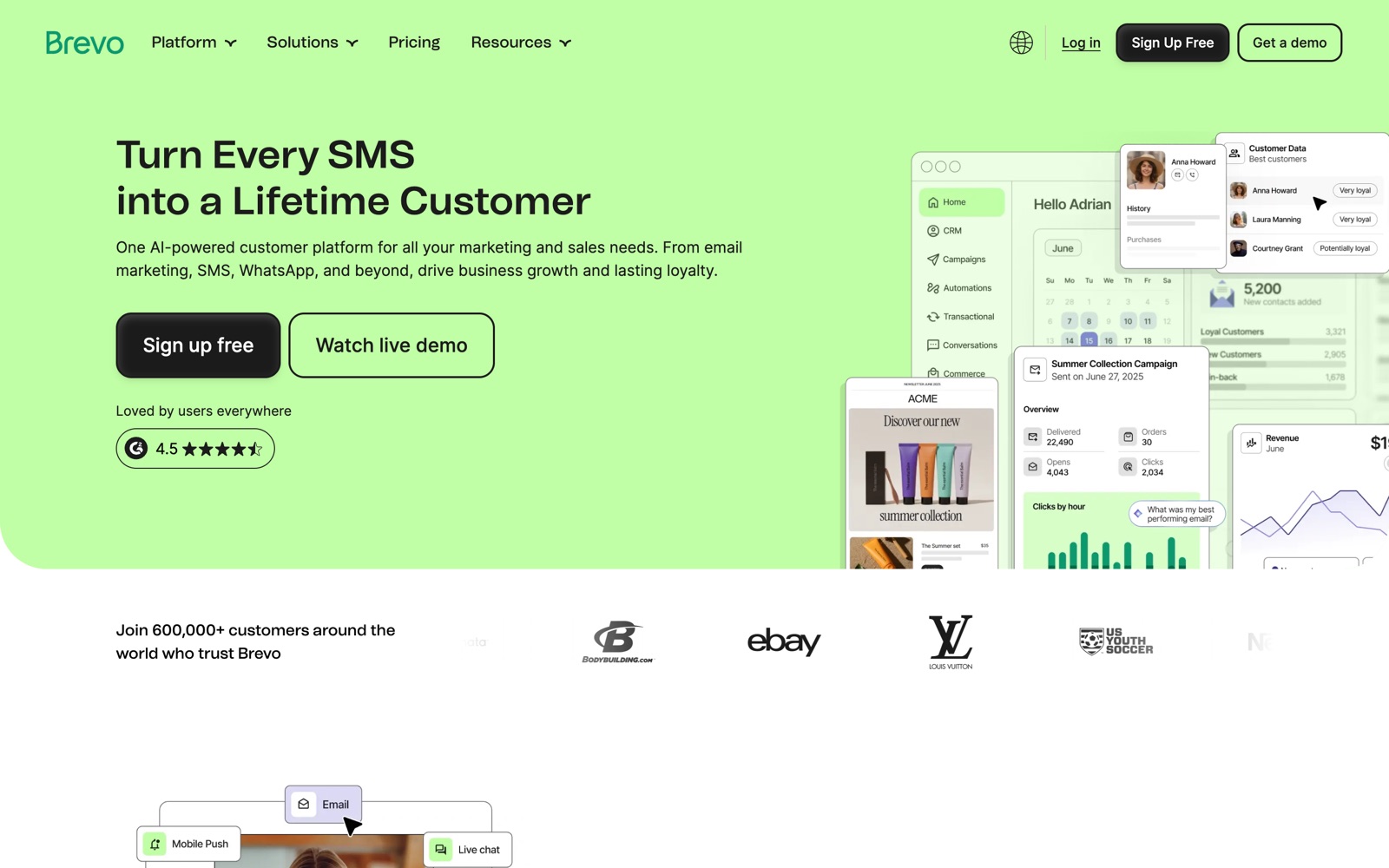
What the two products actually look like
What we checked, and where it comes from
Brevo
- Contacts are free regardless of volume; billing follows monthly email volume in stair-step tiers. Source: the official Brevo pricing page
- The free plan is capped at 300 emails a day across campaigns and transactional. Source: the official Brevo pricing page
- No automatic overage: you move up a volume tier or buy pay-as-you-go credits. Source: the official Brevo pricing page
- Current marketing plan names are Free, Starter, Standard, Professional and Enterprise. Source: the official Brevo pricing page
- Starter starts from 5,000 emails per month and Professional from 150,000 emails per month. Source: the official Brevo pricing page
- Annual billing is published as a yearly total about a tenth below twelve monthly payments on Starter, Standard and Professional. Source: the official Brevo pricing page
Mailchimp
- Paid plans charge overage fees when contact or send limits are exceeded; the free plan suspends sending instead. Source: mailchimp.com/help/about-mailchimp-pricing-plans
- Sending multiples are 10x (Essentials), 12x (Standard) and 15x (Premium) of the contact tier. Source: mailchimp.com/forms/pricing/?currency=USD
- Premium does not exist below 10,000 contacts; Essentials stops at 50,000. Source: mailchimp.com/forms/pricing/?currency=USD
- Essentials stops at 50,000 contacts, Standard runs to 100,000 and Premium to 250,000. Source: mailchimp.com/forms/pricing/?currency=USD
- Monthly send allowances are published per tier in the official feed and match 10x (Essentials), 12x (Standard) and 15x (Premium) of the contact tier. Source: mailchimp.com/forms/pricing/?currency=USD
- No annual billing ladder is published: the feed exposes monthly plan packages only. Source: mailchimp.com/forms/pricing/?currency=USD
How to read this: every capability above is taken from the provider's own published pages, and each line names where it came from. We have not run a paid side by side test of these two platforms, so nothing on this page is presented as a test result. The hands on protocols we do publish, and their limits, are on the tests page. Where a provider does not publish something, we say so instead of estimating it.
Questions people also ask
Which is cheaper, Brevo or Mailchimp?
It depends entirely on your list size against your send frequency. A big list mailed rarely favours Brevo's per-email model; a smaller list mailed often favours Mailchimp's per-contact model. The calculator answers it for your actual volume.
Does unlimited contacts on Brevo mean unlimited free sending?
No. Contacts are unlimited but emails are metered, and the free plan runs on a daily send cap. If your automations and resends multiply the number of emails going out, that volume is what you pay for on Brevo.
Should I clean my list before comparing?
Yes. Dormant contacts are dead weight in Mailchimp's per-contact billing and hurt deliverability everywhere. Work through list cleaning first so you are pricing a real audience, not a padded one.